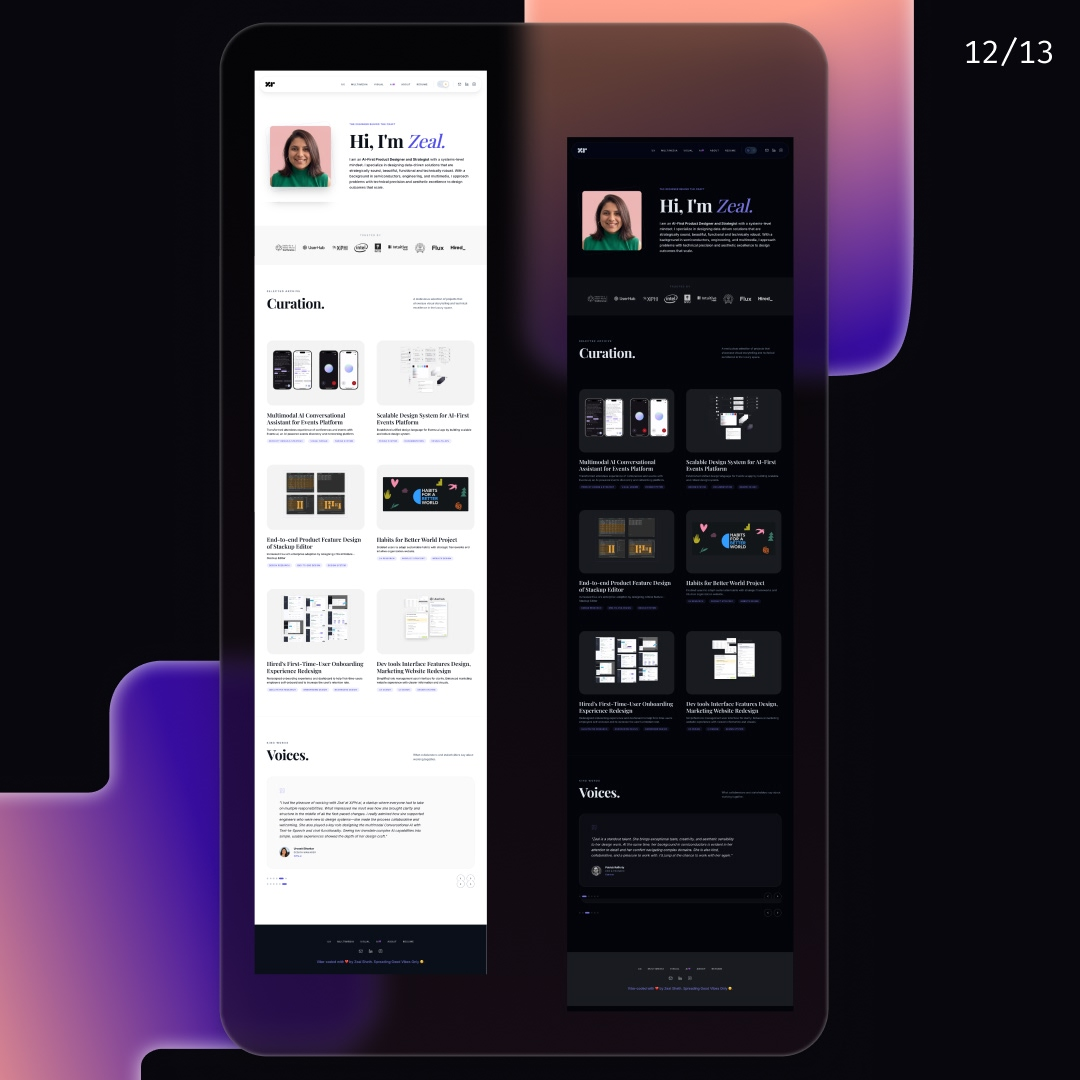
Vibe Coding Your Portfolio: From Concept to Code in 4 days
Create a portfolio website with locally managed content and publish it for free using Antigravity AI agent and Vercel v0.
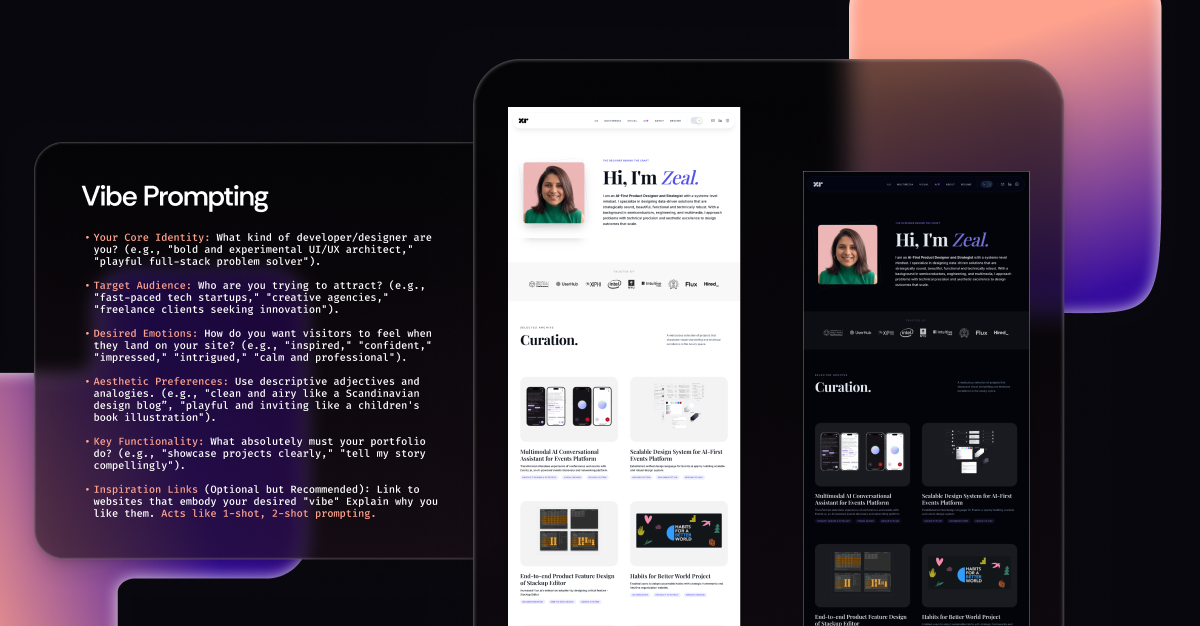
Overview
Goal: Creating a live published portfolio website with for SEO traction and display my work effectively to the recruiters.
Process: Leveraging agentic AI like Google Antigravity can bridge the gap between design and development. I vibe-prompted Antigravity for my Portfolio website's functional requirements, aesthetic preferences, code writing and management style for scalability and the final website goal with respect to the webiste's target audience.
Impact: I published a professional looking portfolio website in 4 days for free using Agentic AI and hosting it on Vercel v0 for free. It is now live at https://zealsheth.com/ .
(I am focusing on using free tools such as Antigravity to ensure this workflow is open to every designer, regardless of budget. You can follow a similar workflow on Cursor or Claude Code too. For website hosting you can use other platforms like hostinger, Wix too.)
Important Tips
To ensure website is SEO friendly, accessible, easily modifiable and scalable, you can implement specific Logic Rules and Skills:
- SEO & Accessibility Skills: Use 'SEO Audit' skill to check for SEO best practices and 'Accessibility Audit' skill to check for accessibility best practices.
- Design System Skills: Use 'Design System' skill to check for design system best practices and 'Component Library' skill to check for component library best practices.
- Content Management Skills: Use 'Content Management' skill to check for content management best practices and 'Markdown' skill to check for markdown best practices.
Step-by-Step Process
Step 1: Define Website Scope and Requirements
Vibe-prompt to create a website following specific functions, aesthetic preferences, code writing and management style for scalability and the final website goal with respect to the webiste's target audience.
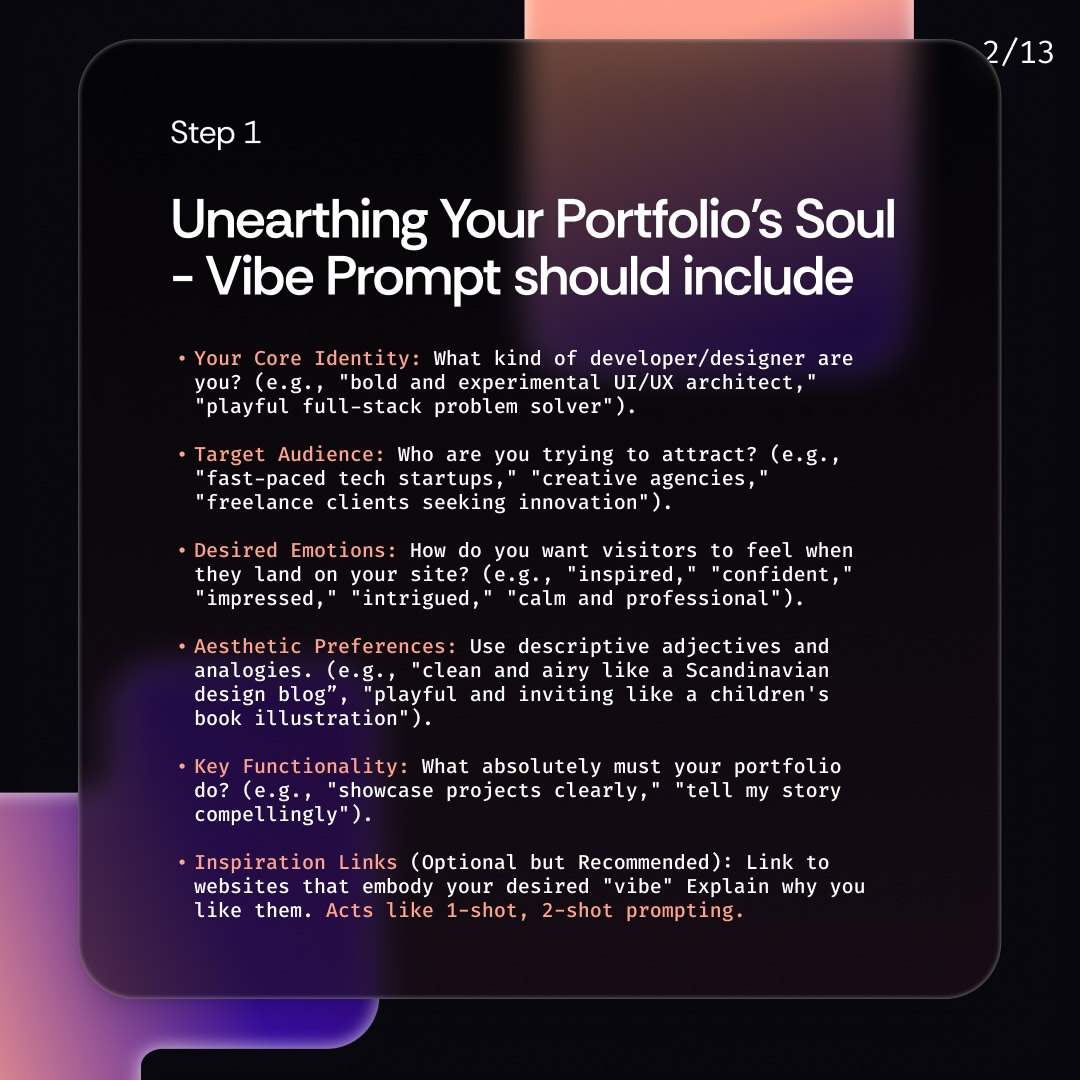
I want my portfolio to feel like a modern, futuristic, well-organized Design+tech studio – functional, inviting, and showcasing my creative and analytical abilities. It should be clean and professional but with subtle, engaging animations and interactions that hint at my experimental side. The overall aesthetic should be minimal, high status vibe and confident with 1-2 accent colors, using dark/light mode theme for accessibility. My target audience is hiring managers, recruiters, design folks in startups to mid-to-large tech companies looking for a UI/UX-focused on AI-first approach with a strong eye for detail and user experience. Projects should be easily digestible with clear problem/solution narratives.
Step 2: Add Skills.md
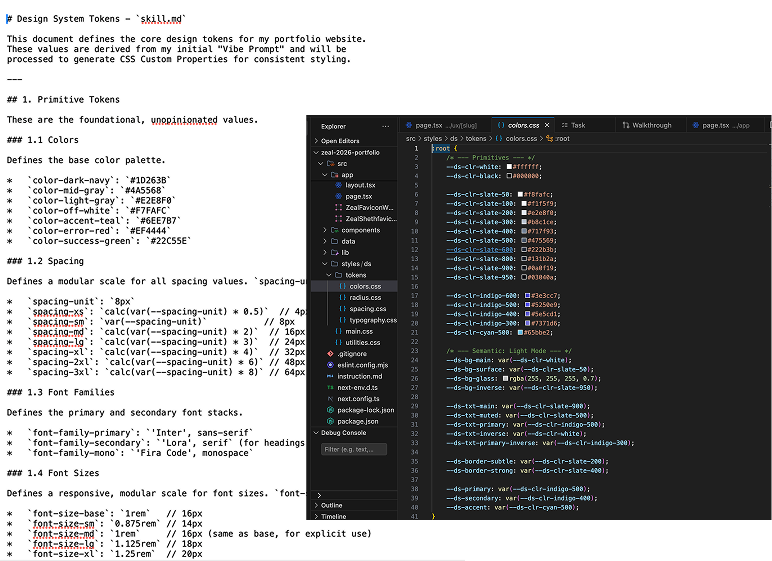
Setup the design tokens, components, typography, radius, spacing values with Skills.md. Define 3 levels of Design tokens Primitive (Global), Semantic, Component-specific in Tailwind CSS and Utility class.
Step 3: Use SEO-Optimized best practices to organize the website content
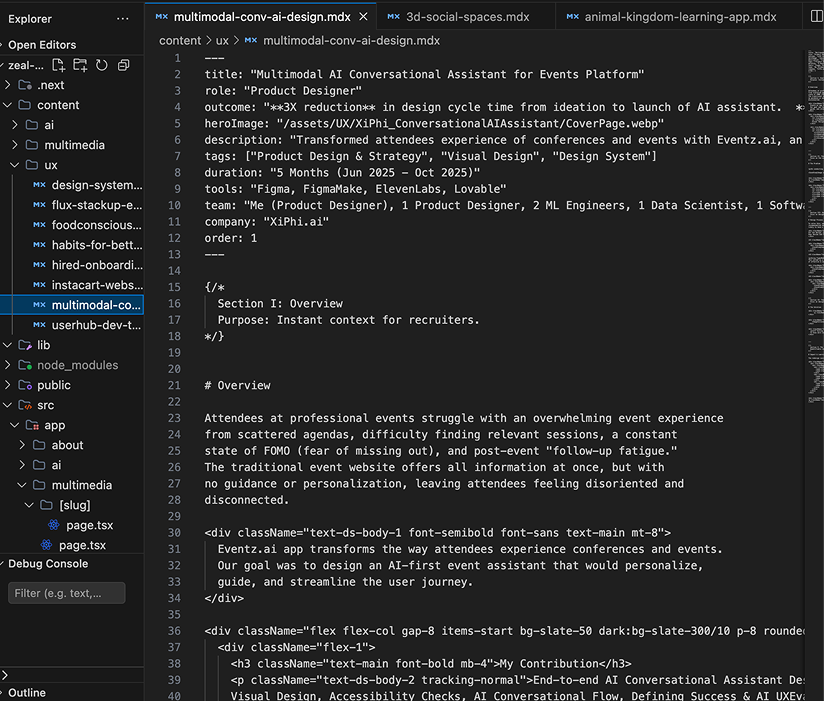
SEO Best Practices for .mdx Frontmatter:
title: Compelling and keyword-rich (50-60 characters).description: Concise, keyword-rich summary (150-160 characters) that encourages clicks.keywords: While less critical for direct ranking, still good for contextual understanding.slug: Clean, descriptive, and containing relevant keywords.coverImage&altText: Essential for social sharing (Open Graph) and image SEO. Use descriptivealtText.- Structured Data (Schema.org): Consider adding JSON-LD schema for
ArticleorWebPageto your page templates to help search engines understand your content better. Tools like Schema Markup Generator can help.
Image Optimization:
- Modern Formats: Always use
webpfor images andwebmfor videos. These offer superior compression with minimal quality loss compared to JPG/PNG/MP4. - Responsive Images: Use
srcsetand<picture>tags to deliver appropriately sized images based on the user's viewport. - Lazy Loading: Implement
loading="lazy"on images and iframes to defer loading of off-screen content. - CDN (Content Delivery Network): Serve static assets (images, CSS, JS) from a CDN to reduce latency for users worldwide.
Font Optimization:
- Variable Fonts: Use variable fonts to reduce font file size.
- Self-Host Fonts: Host Google Fonts or other fonts yourself to avoid extra DNS lookups.
Server-Side Rendering (SSR) / Static Site Generation (SSG):
- For portfolio sites, SSG (e.g., with Next.js, Astro, SvelteKit) is often ideal, as it generates pre-built HTML files, leading to incredibly fast initial loads.
Step 4: Bringing it all together